
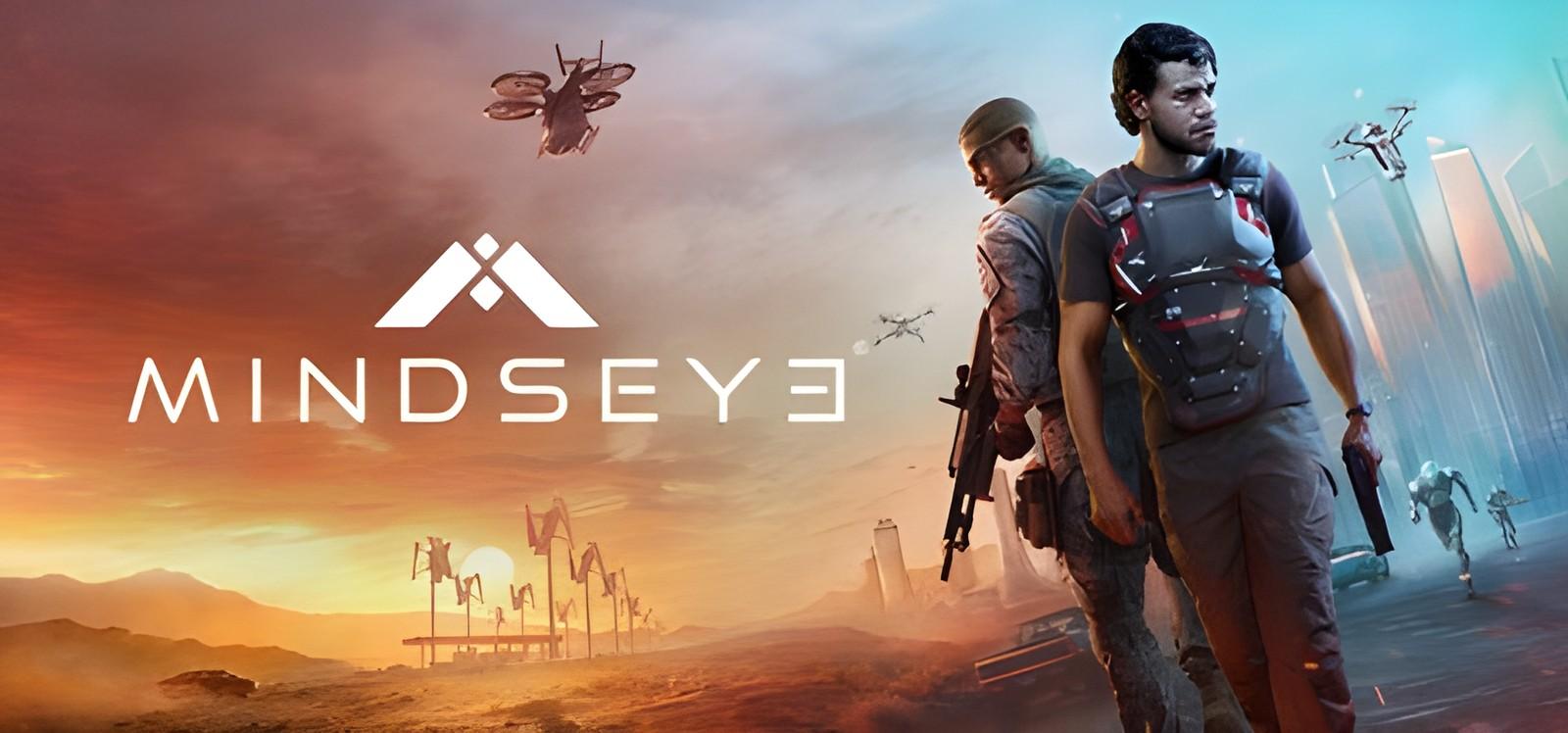
MindsEye: installation and first launch
Build A Rocket Boy
Check the system requirements and access conditions before starting MindsEye. The game access panel provides the instructions for your selected access.
Two ways to start playing
Buy the game separately
The store lists purchase conditions and edition contents.
Subscribe to SteamGate (recommended)
Check the game page and its access conditions before subscribing.
About MindsEye
MindsEye Campaign MindsEye is a single-player, story-driven action-adventure thriller set in the near-future desert city of Redrock. You play as Jacob Diaz, a former soldier haunted by a mysterious implant and fractured memories. Across a cinematic campaign, you’ll complete missions, uncover your past, and confront a conspiracy involving rogue AI, corrupt corporations, and unchecked military power, a threat that reaches far beyond the city itself. The City of Redrock Redrock is a desert metropolis where advanced technology is everywhere. AI and robotics control daily life, shaping everything…
System requirements
- OS: Windows 10/11 64 Bit with latest updates
- Processor: Intel Core i5-12400F / AMD Ryzen 5 5600X
- Memory: 16 GB RAM
- Graphics: 6GB VRAM, Nvidia GeForce RTX 2060 / AMD Radeon RX 5600 XT
- DirectX: Version 12
- Storage: 70 GB available space
- Additional Notes: SSD required
Frequently asked questions
Where can I check access conditions for MindsEye?
Open the game page and access panel. Check availability and the instructions for your access before subscribing. Ask support if any conditions are unclear.
How much does it cost?
Current plans are published on the subscription page. Your access period depends on the selected plan. A one-month catalog subscription costs 7 USDT. See the subscription page for other plans and the final payment amount.
Do online modes work?
No. The subscription is for single-player: online modes and online co-op are not available.
What affects the time until the first launch?
Download size, connection speed, component installation and any required activation. Finish installation and follow the access panel instructions.
Start playing MindsEye
Check access conditions and current plans before subscribing.